48
lessons
7 to 25 minutes each
14h
of video
plus a Lab in every lesson
6
finished pieces
one per module, print-ready
3,400
students
since the first cohort in 2023
( 02 · Try a lesson )
( 03 · Syllabus )
Six modules. One sketchbook.



( 04 · What you’ll make )
Twelve pieces from last term.

Harbour Weave
Ines Carvalho
Flow field

Quiet Current
Tomasz Wrona
Flow field
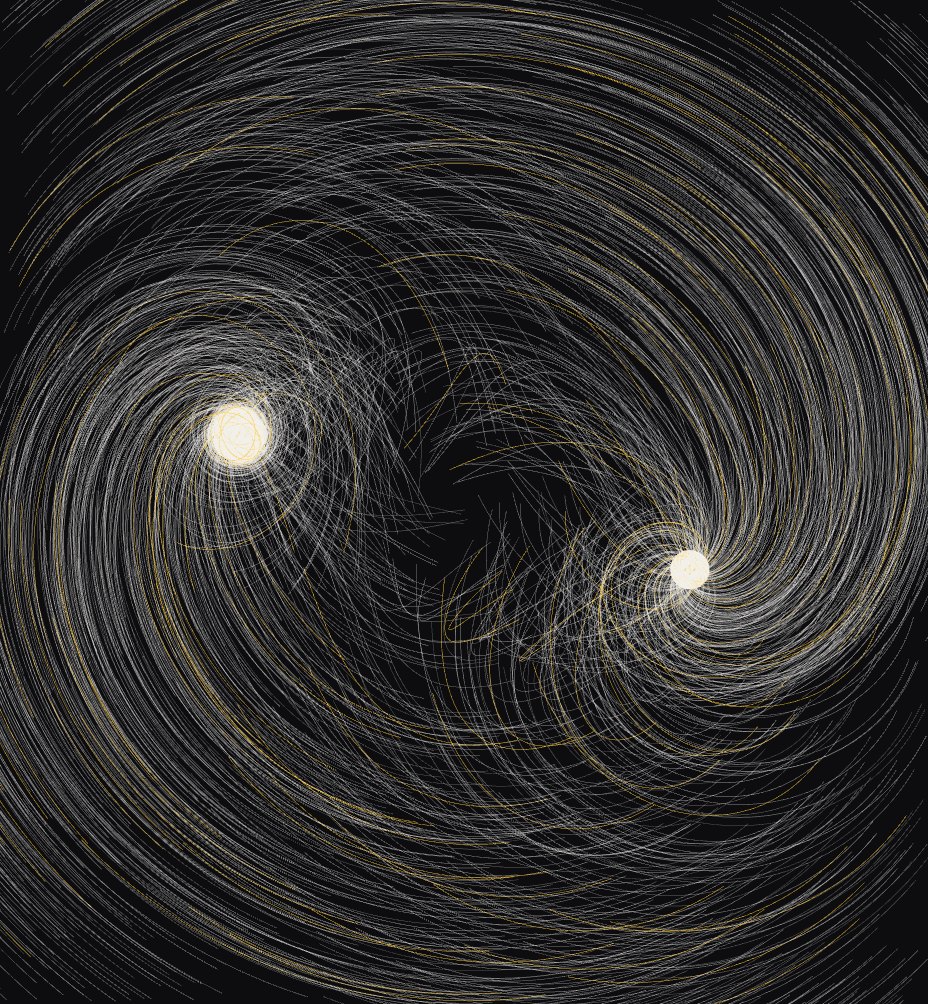
Twin Stars
Aiko Tanabe
Attractors

Five Wells
Priya Nair
Attractors
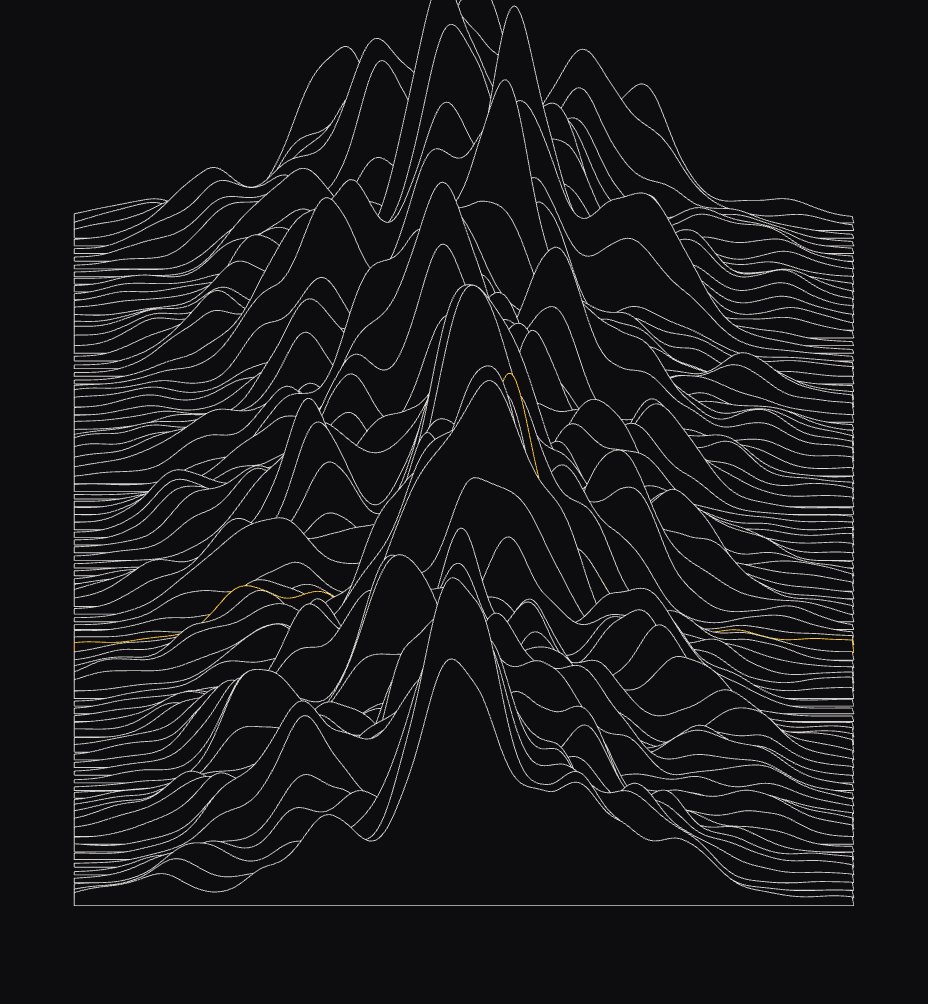
North Ridge
Lukas Brenner
Ridges
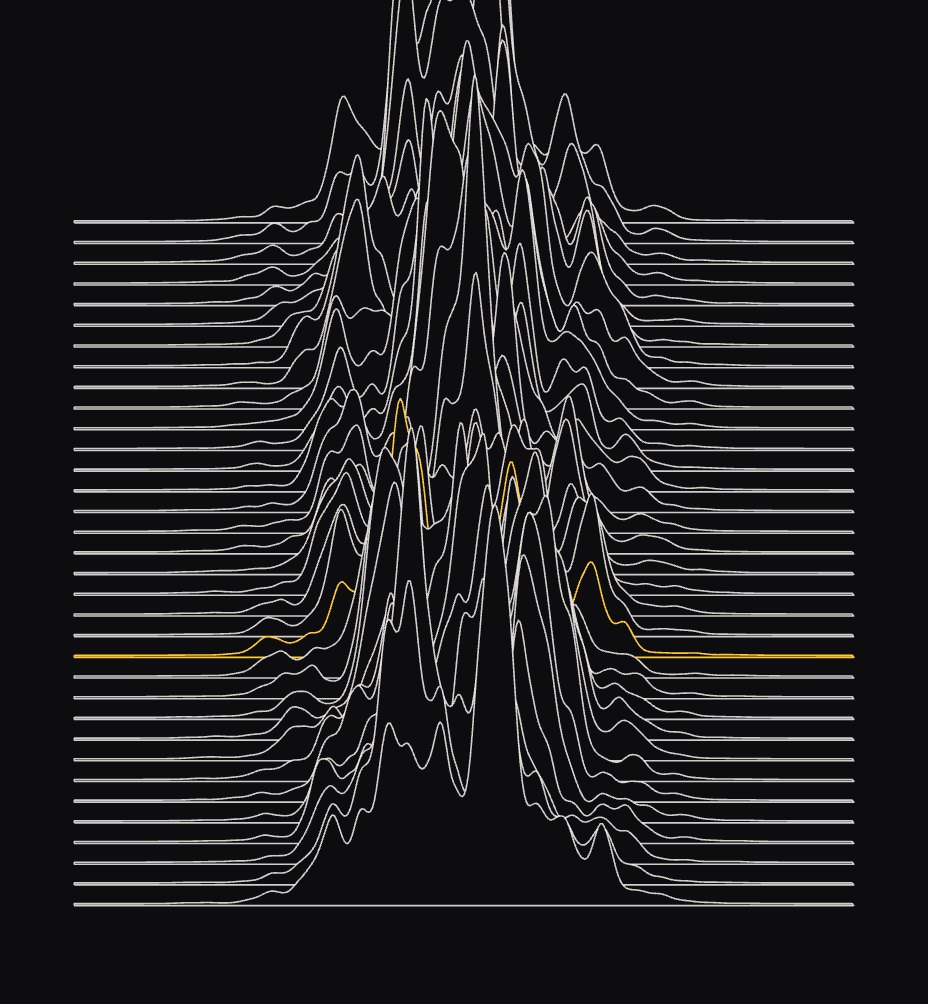
Signal Peaks
Mateo Ruiz
Ridges + audio

Slow Drift
Sade Okafor
Flow field

Single Well
Hannah Lindqvist
Attractors

Contour Study 09
Omar Haddad
Ridges

Short Hair
Chloé Martin
Flow field

Four Body Problem
Jun Park
Attractors

Night Range
Freya Holm
Ridges
( 05 · Your sketchbook )
Progress you can see.
( 06 · How a lesson works )
Watch. Change. Keep.

▶
01
Watch a short lesson
7 to 25 minutes. One idea, built live, with chapters so you can jump back to the part you need.
// 03.4 Attractors
const stars = 3
const pull = 0.90 ← drag me
const count = 1400
const steps = 150
v.add(gravity(p, star, pull))
02
Change the numbers
Every lesson opens in the Lab. Drag a value, watch the sketch redraw, and write down what surprised you.
Saved to sketchbook · v4
03
Keep it
Save the version you like to your sketchbook. At the end of the module it becomes a finished piece.
( 07 · Teachers )
Taught by people who make this work for a living.

Mara Ellison
Lead instructor
The first time a loop you wrote draws something you did not expect, you are hooked. My job is to get you there by lesson three.
Teaches
Lines, Noise, Patterns

Teo Vance
Instructor, motion and sound
Particles are just dots with a reason to move. Give them good reasons.
Teaches
Particles, Sound

Rui Okada
Instructor, shaders
A shader is a question you ask every pixel at once. Ask a good one.
Teaches
Shapes
( 08 · Student work )
Made in the course.
( 09 · Cohorts )
Learn it alongside 40 other people.
Cohort 4 starts in
( 10 · Pricing )
Pay once. Keep it forever.
Self-paced
$249
one payment
Everything you need to learn on your own schedule.
✓
All 48 lessons and 14 hours of video
✓
The Lab in every lesson
✓
Your sketchbook, saved forever
✓
Lifetime updates to the course
Start self-paced →
Cohort
Most chosen · 71%
$590
one payment · or 3 × $199
The course plus six weeks with a teacher and 40 classmates.
✓
Everything in Self-paced
✓
6 live critiques with an instructor
✓
Written feedback on all 6 projects
✓
Private cohort channel and certificate
Join Cohort 4 →
Team
$1,900
for 5 seats
For studios and classrooms learning together.
✓
Everything in Cohort, for 5 people
✓
A private team critique each module
✓
Invoice and purchase-order billing
✓
Extra seats at $360 each
Talk to us →
( 11 · Questions )
Asked before you enrol.
Still unsure? Write to hello@lumrow.school. A teacher answers, usually the same day.
Do I need to know how to code?
No. Lesson 01.1 starts from an empty canvas, and every lesson has a Lab where you change numbers before you write code. About 60% of each cohort has never programmed before.
What do I need to install?
Nothing. Every lesson runs in the browser, and your sketchbook saves as you go. A laptop from the last six years is plenty.
How long does the course take?
Fourteen hours of lessons across six modules. Self-paced students usually finish in six to eight weeks; cohorts run for six weeks with one live session a week.
Self-paced or cohort?
Self-paced gets you every lesson, the Lab and the sketchbook for life. Cohort adds six live critiques, written feedback on every project from an instructor and a private channel with about 40 classmates.
Can I sell what I make?
Yes. Everything you make in the course is yours, including prints, NFTs and client work. We only ask that you do not resell the lesson code as a course.
What if it is not for me?
Watch the first two modules. If it is not clicking, email us within 30 days and we refund you in full, no questions.
Do you do team or student pricing?
Teams of five or more get the Team plan. Students and people between jobs can ask for a 40% scholarship seat; we keep five per cohort.
Is there a certificate?
Cohort students who finish all six projects get a certificate and a page in the student gallery.